View cloud apps that use the tunnel
Who can do this? |
After you’ve created tunneled application links, your cloud apps will appear in the details of your application tunnel.
To view cloud apps that use the tunnel:
Go to Atlassian Administration. Select your organization if you have more than one.
Select Data management, then Data sources, then Application tunnels.
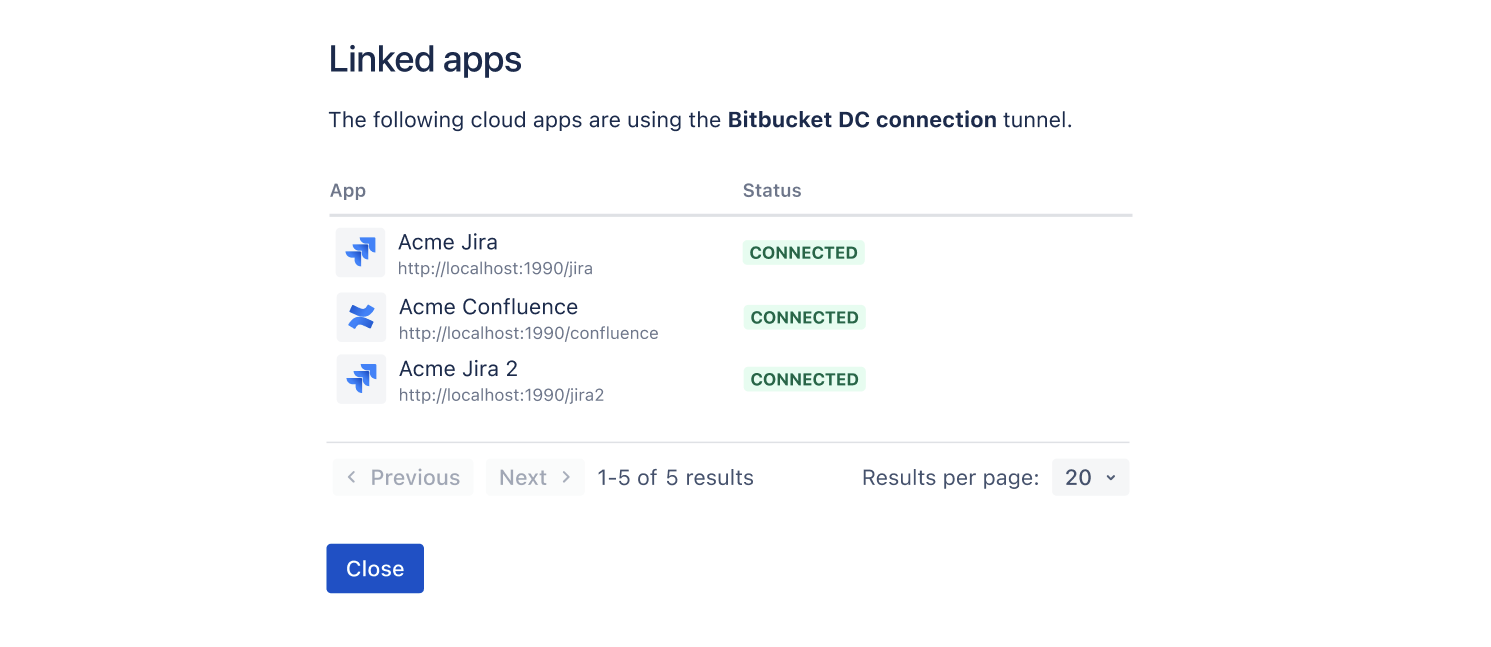
Click the link that shows the number of apps in the Linked apps column.
Your apps and their connection status will be listed like in the following example:
If you set up a tunnel for a Data Center product connection to Teamwork Graph, it won't show in the Linked apps column.
Select Data management, then Data Sources, then Connected sources to check your connected sources before changing or deleting the tunnel to avoid interrupting an active connection.
Was this helpful?