What happens when data is redacted or deleted from findings?
We’re gradually transitioning Guard Detect into Atlassian Administration. We’ll support Guard Detect until the Atlassian Administration experience includes all the same features (and new ones!).
The Findings page in Atlassian Administration is the first step in the transition.
Guard records a finding when potentially sensitive data is detected. If you determine that the data is sensitive and should not exist in the page or issue, you can choose to redact it, or if it’s within an attachment, delete it. How to redact sensitive data
Who can do this? |
What happens when data is redacted from findings?
When you redact, the sensitive data is deleted and replaced with a solid bar to indicate the place where text was deleted. The length of the bar is not related to the length of the sensitive data and can’t be used to restore the sensitive data.
You can later edit the page or work item to remove the solid bar if you want to.
The only way to restore redacted content is to use the Guard Detect API, and this must be actioned within 30 days of the redaction. You will need to provide the redaction ID, which is available in your audit log. See API request examples
Where is data redacted?
Sensitive data is detected in and redacted from:
Confluence (including live pages) page title, page body, and code blocks.
Confluence (including live pages) blog post title, blog post body and code blocks.
Jira work item fields, history, comments, work logs and code blocks.
Sensitive data is not detected in or redacted from:
whiteboards or databases
space or project descriptions, sprint names, or other free text areas
text added via some third-party apps or macros
Is data redacted from the history?
In Confluence, we only redact sensitive data in the current version of the page. However, you have the option to delete any historical versions that contain the sensitive data from the page history. This completely removes the page versions that contained the data, including any other edits that may have been made in that version, and the record of who contributed to those versions. A new version is added, with a comment to indicate that sensitive data was redacted. Page versions can’t be restored once deleted.
Whether you choose to delete history will depend on your organization’s retention requirements, so we recommend you work with your team to determine whether deleting history is appropriate.
Can I redact only selected instances?
Yes. Each finding represents a single instance of sensitive data. You can redact each finding individually, or select multiple findings to bulk delete them.
For example, if you have a Confluence page that contains three test credit cards and one real credit card, you will see four individual findings. You can choose to redact all four findings, or to redact only the real credit card, and leave the others in place.
Any time you leave sensitive data in place, a new finding will be generated when someone updates the content object in future.
What does the user see when data is redacted?
The actor will get an email and an in-app notification to let them know that sensitive data was redacted.
When they view the page or work item, they’ll see a solid bar to indicate the place where text was deleted. This experience is the same for anyone who views the page or work item.
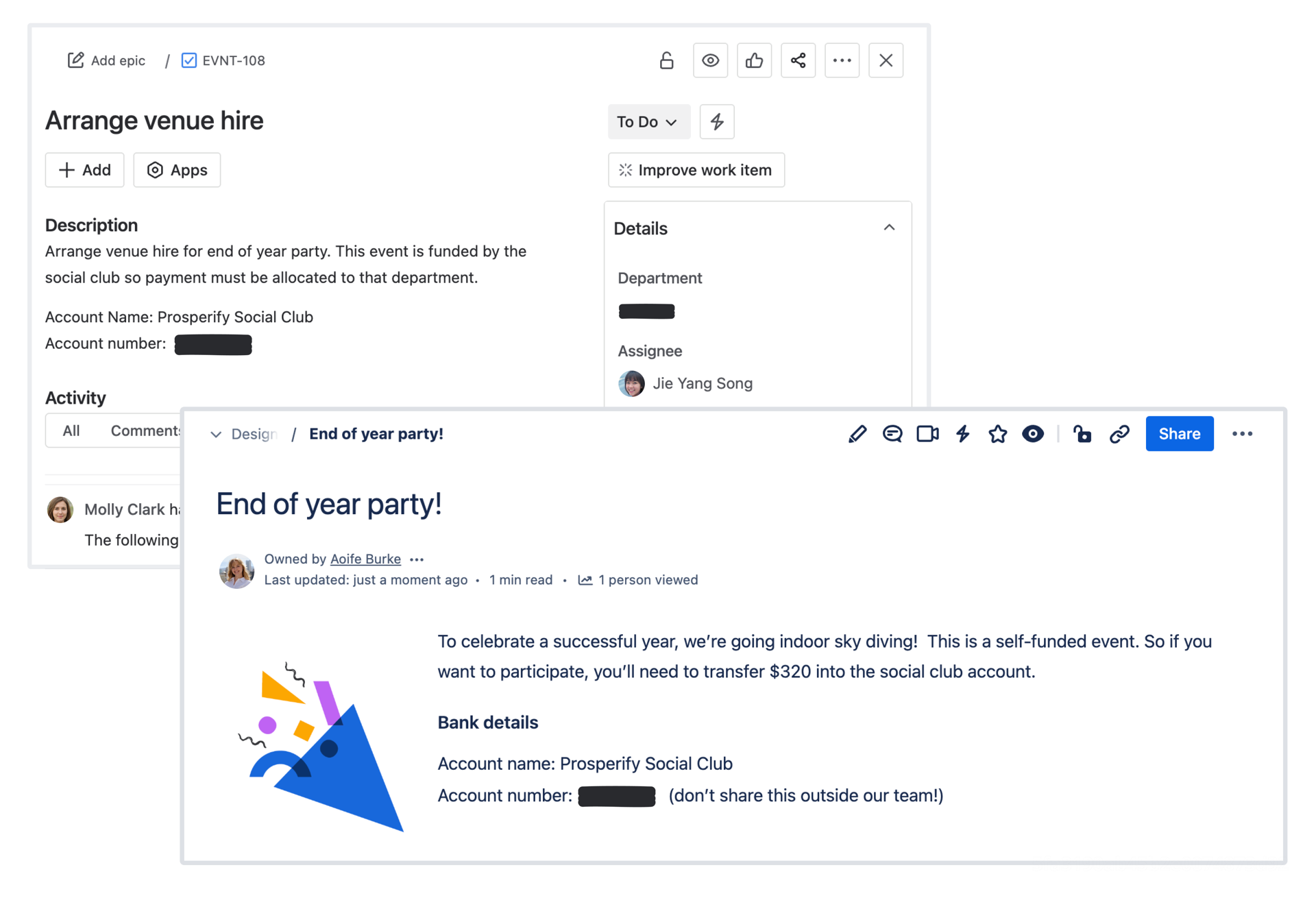
What happens when an attachment is deleted from findings?
When an attachment contains sensitive data, the finding will give you the option to delete the attachment. This option deletes the attachment and replaces it with a placeholder file in the current version of the page and any historical versions that contained the sensitive attachment. Guard can’t redact sensitive data in an attachment because attachments are files, not editable page content.
You can restore deleted sensitive attachments using the Guard Detect API within 30 days. You will need to provide the redaction ID, which is available in your audit log. After 30 days, the file is permanently deleted and cannot be recovered.
Where are attachments deleted?
Attachments containing sensitive data are detected and deleted from:
New uploaded attachments in pages, blog posts, or work items
Is an attachment deleted from the history?
When you delete an attachment from a Confluence page or blog post, it’s deleted from both the current version of the page and any historical versions of the page.
Can I redact only selected parts of an attachment?
An attachment can only be deleted as an entire file. Sensitive attachments support only deletion, and sensitive content in the attachments cannot be redacted individually.
What does the user see when an attachment is deleted?
When you delete an attachment, your users will see a placeholder image indicating that the file was deleted due to presence of sensitive data.
Was this helpful?